AI Concierge
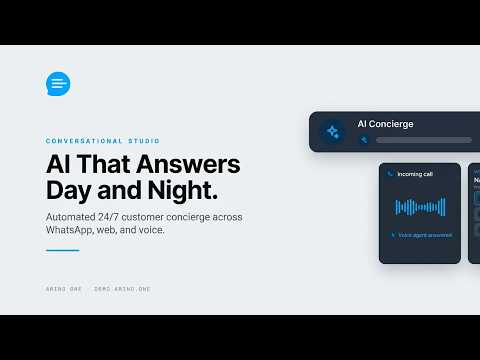
The AI Concierge answers customers on every channel.
What It Answers and Tone
Choose its topics and tone.
Disclosure Always on
Customers are told they are talking to AI. Reword it, never remove it.
Hours
Choose when it answers.
Steps at a glance
- Open ConciergeGo to /settings/concierge.
- Choose What It AnswersPick the topics it covers.
- Set the ToneChoose how it sounds.
- Word the DisclosureReword the AI notice if you like; it stays on.
- Set HoursChoose when it answers.
Frequently asked
Can I Turn Off the AI Notice?
No. The disclosure is always on; you can only reword it.
What Does It Answer?
The topics you choose, using your knowledge base.
What Happens Outside Its Hours?
Messages wait for your team.
Next step
Apply this to your own deployment
This guide describes decisions we make on live platforms. Tell us your channels, systems and region and we will map it to an architecture outline, a provisioning plan and an indicative commercial model — usually within one business day.