Navigation, ⌘K and Help Mode
Arino One works the same on a computer and a phone, with a few ways to get anywhere fast.
Sidebar, Icon Rail and Phone Tab Bar
The sidebar puts operations at the top, marketing in the middle and settings at the bottom. Pin any page with the star in its header. Collapse it to an icon rail for more room. On a phone, the main pages sit in the tab bar.
⌘K Search
Press ⌘K (Ctrl+K on Windows) to search pages, contacts and settings.
Help Mode
Press ? to turn on Help Mode and see what each part of the screen does.
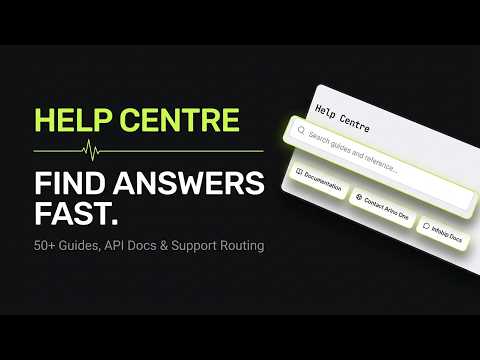
Help Centre and Tours
The Help Centre holds these articles; tours walk you through a page step by step.
Steps at a glance
- Use the SidebarOn a computer the sidebar lists every page; collapse it to an icon rail for more room.
- Use the Tab Bar on a PhoneOn a phone the main pages sit in the tab bar at the bottom.
- Search with ⌘KPress ⌘K (Ctrl+K on Windows) to jump to any page, contact or setting.
- Press ? for Help ModePress ? or the Help button to highlight every ⓘ on the page.
- Open the Help Centre or a TourOpen the Help Centre for articles, or start a tour for a guided walk-through.
Frequently asked
What Is the Shortcut on Windows?
Ctrl+K opens the same search as ⌘K.
How Do I Leave Help Mode?
Press ? again, or click the Help button.
Can I Restart a Tour?
Yes, from the Help Centre.
Why Do I Not See Some Pages?
Pages for modules that are switched off are hidden, and some pages depend on your role.
Apply this to your own deployment
This guide describes decisions we make on live platforms. Tell us your channels, systems and region and we will map it to an architecture outline, a provisioning plan and an indicative commercial model — usually within one business day.