User Roles
Arino One has four roles.
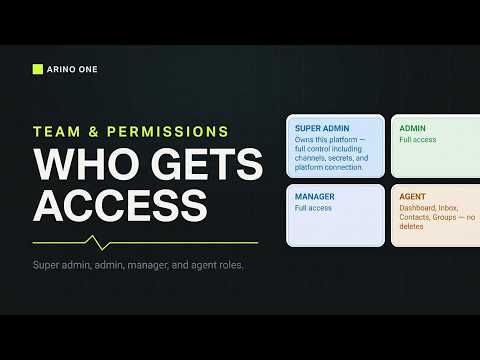
Super Admin
Everything, including members and roles, secrets and the messaging integrity banner.
Admin
Privileged across the product and can manage members, but not Super Admin-only controls.
Manager
Campaigns, templates, automations and analytics. Cannot manage members or roles.
Agent
Dashboard, Inbox, Contacts, Groups and their own profile. No deletes, no settings.
Good to Know
The highest role wins. Role changes apply on the next page load. Everything privileged is written to the audit log.
Steps at a glance
- Open Team & RolesGo to Settings → Team & Roles.
- Pick the PersonOpen their row.
- Change the RoleChoose the new role and save; they refresh to see it.
Frequently asked
Who Becomes Super Admin?
The first person to create an account on /setup. Nobody can claim that role afterwards.
What If Someone Has Two Roles?
The highest role wins.
Can an Agent Delete Contacts?
No. Agents cannot delete or change settings.
Where Are Role Changes Logged?
In the audit log.
Apply this to your own deployment
This guide describes decisions we make on live platforms. Tell us your channels, systems and region and we will map it to an architecture outline, a provisioning plan and an indicative commercial model — usually within one business day.