Publishing Your Platform
Changes go live when you publish.
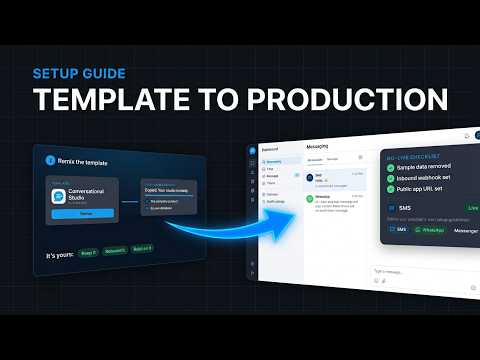
Preview vs Live
The preview lets you check changes safely. Live is what your team and customers use.
Publish From Lovable
Choose Publish in Lovable. See Settings → Arino One Connection for your live address.
Steps at a glance
- Check the PreviewTry your changes in the preview first.
- Publish From LovableChoose Publish to make them live.
- Confirm LiveOpen your live address, or your custom domain, to check.
Frequently asked
What Is the Difference Between Preview and Live?
The preview is for you to check changes; live is what customers and your team use.
Do Changes Go Live Automatically?
No. They go live when you publish.
Can I Use My Own Domain for the Live Site?
Yes, see Custom Domain.
Next step
Apply this to your own deployment
This guide describes decisions we make on live platforms. Tell us your channels, systems and region and we will map it to an architecture outline, a provisioning plan and an indicative commercial model — usually within one business day.